The IPTV player for Chrome, built for 4K
Add your own playlist and watch live TV, the TV guide, movies and series in one fast, clean player. No app to install, no account, no ads.
Everything a good IPTV player needs
A TiviMate-style experience, right in your browser.
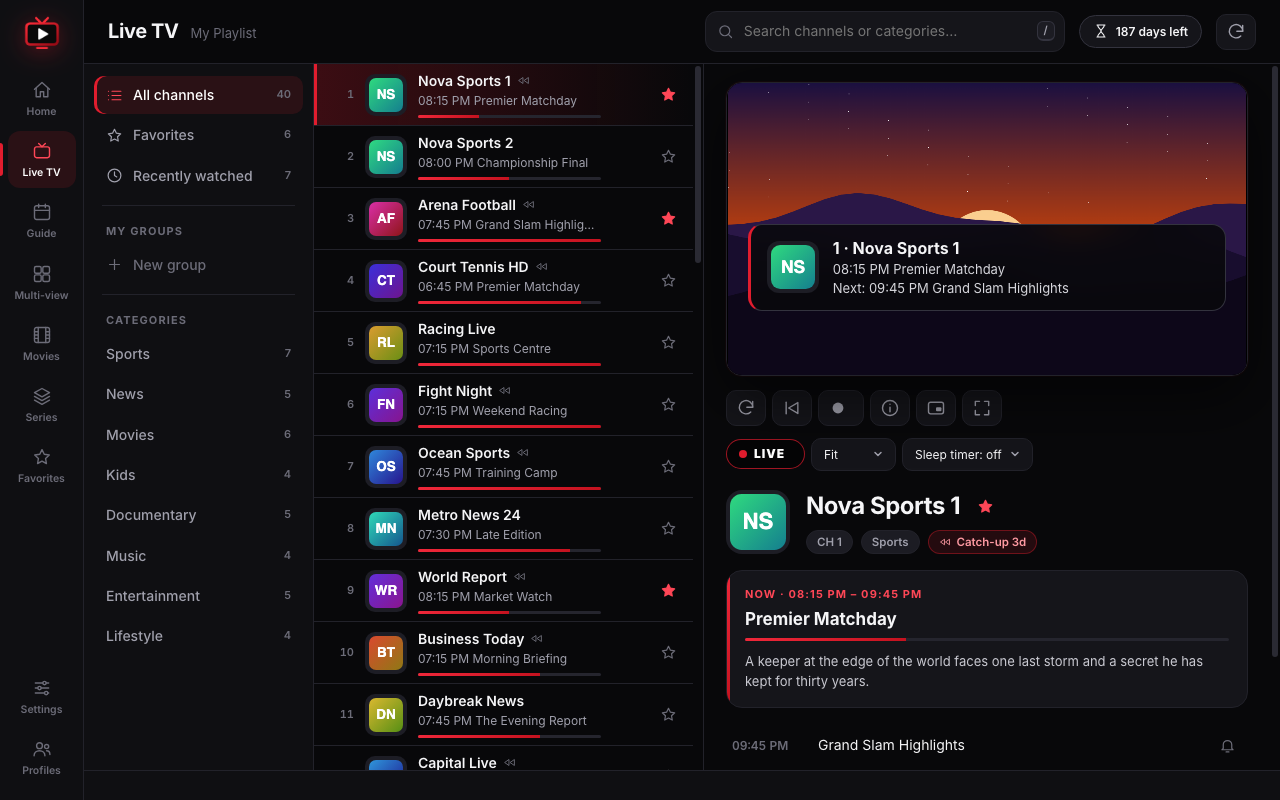
Live TV that keeps up with you
A fast, searchable channel list with logos and now-playing progress — smooth even with 10,000+ channels.
- Categories, search, favorites and custom groups
- Hide channels, recently watched, last-channel jump
- HLS and MPEG-TS with auto-reconnect and auto-fix
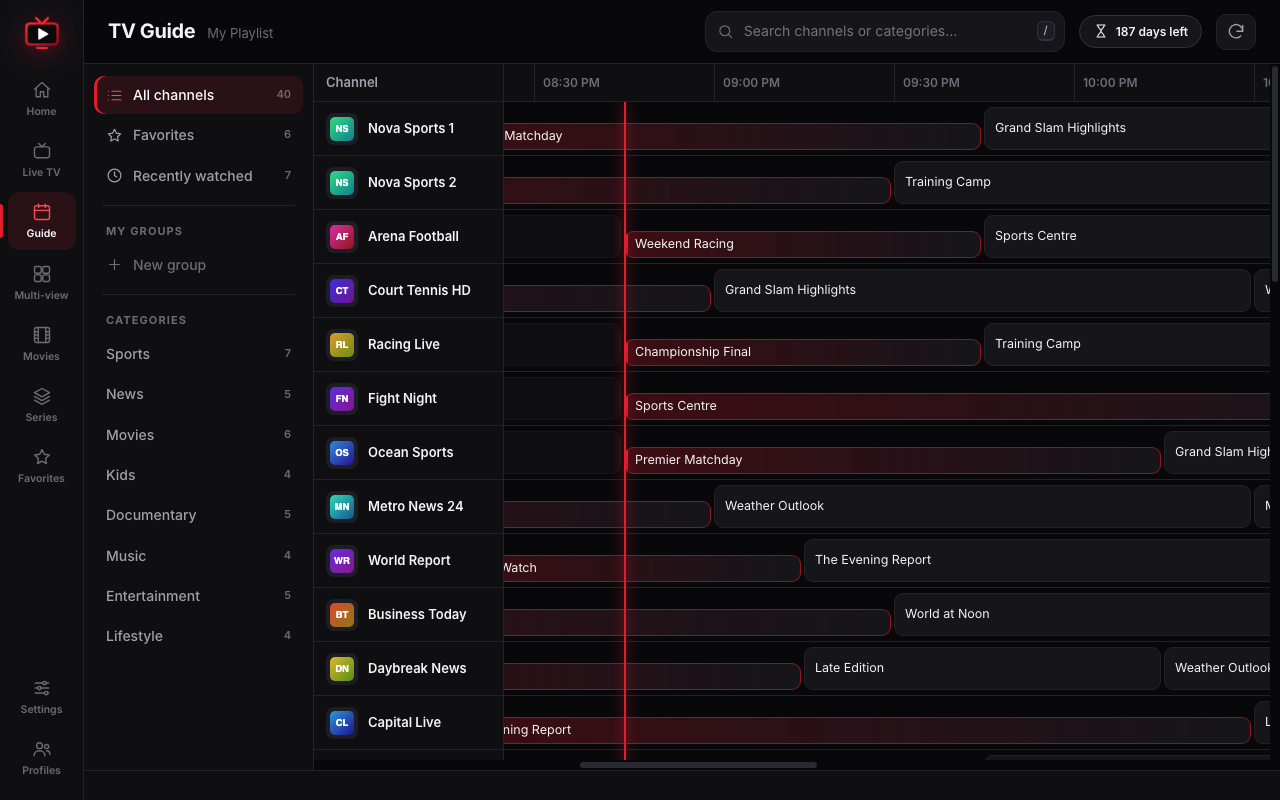
A full TV guide, built in
Browse a 10-hour timeline and act on any programme with a single click.
- Watch now, replay with catch-up, or set a reminder
- Desktop notification one minute before it starts
- XMLTV support, plus automatic guide loading for Xtream
Movies and series, beautifully organised
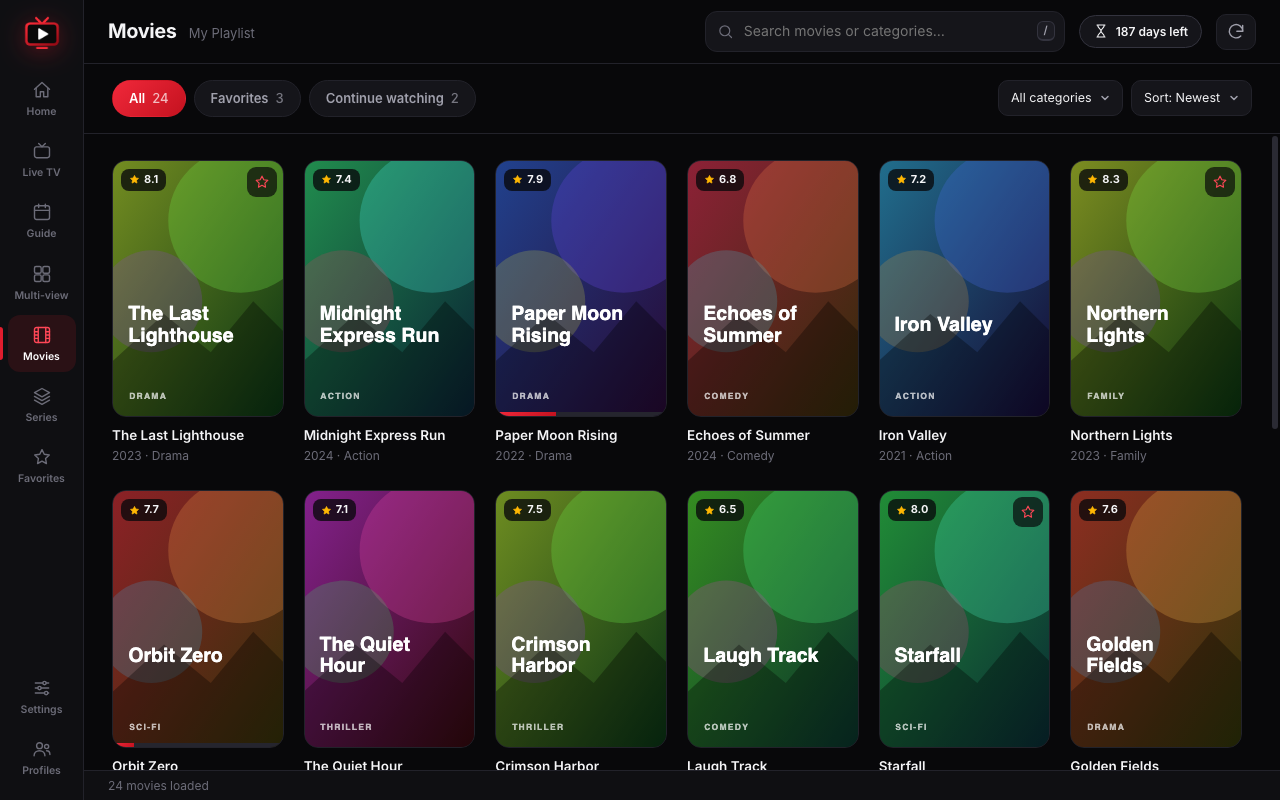
Poster grids with plot, cast and ratings. Seasons and episodes with next-episode autoplay.
- Resume exactly where you left off
- Continue-watching shelf and favorites
- Search, sort and browse by category
Power features, zero clutter
The details that make daily viewing better.
Catch-up & reminders
Replay past programmes when your provider supports it, and get notified before your show starts.
Multi-view
Watch 2 or 4 channels at once with sound on the screen you choose.
Record to file
Save a stream straight to a file on your computer, or schedule a recording while the tab stays open.
Smooth playback
Adjustable live delay and auto-fix that lowers quality or buffers more when a stream struggles.
Organise your way
Favorites, custom groups, hidden channels, recently watched and multiple saved playlists.
Private by design
No account, analytics or ads. Everything stays in your browser. Optional PIN lock for channels or groups.
Chrome today. More screens soon.
The same clean player is coming to your phone and your TV.
See it in action
Dark, fast and easy on the eyes.
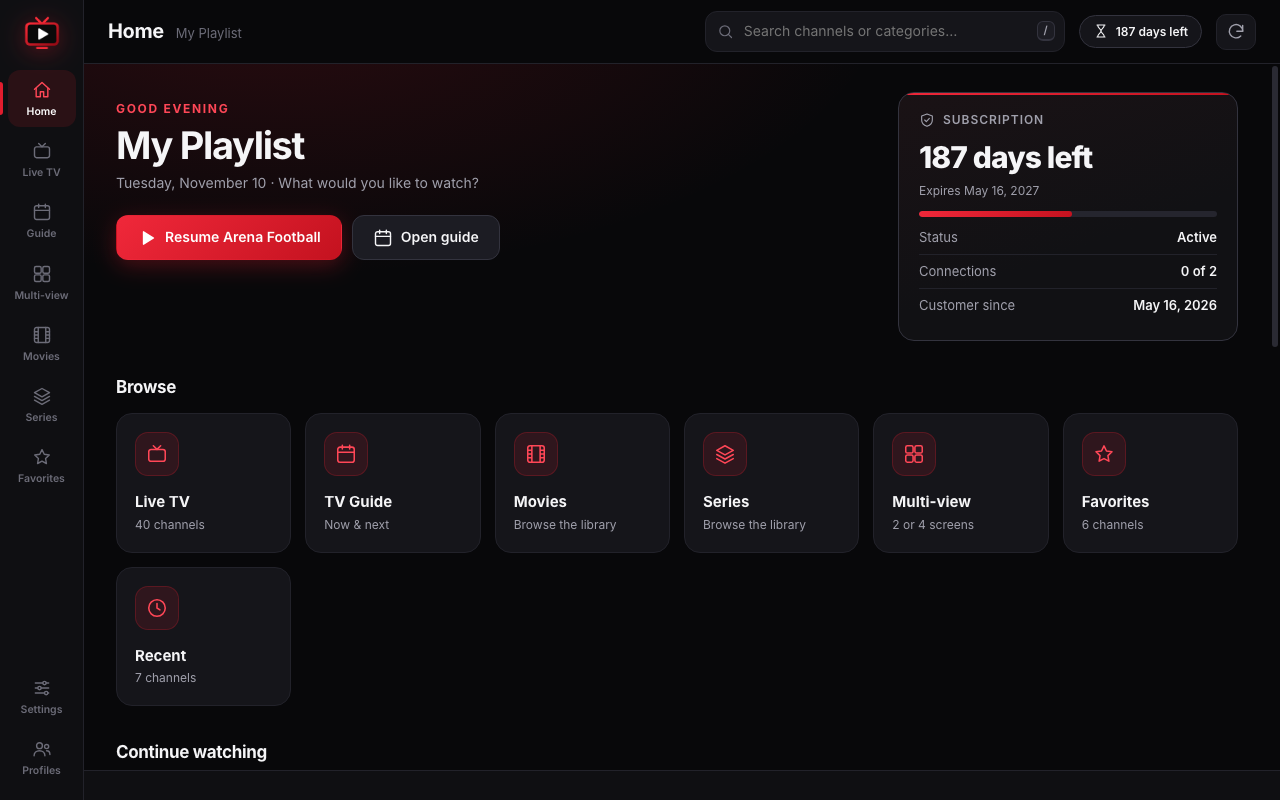
Screenshots use a demo playlist with fictional channels and generated artwork.
Start watching in 3 steps
No sign-up with us. It takes about a minute.
Install
Add IPTV 4K Player Pro to Chrome, then click its toolbar icon to open the player.
Add your playlist
Choose Xtream Codes, an M3U link or an M3U file. Add an optional XMLTV guide link.
Start watching
Press Save & connect, then open Live TV, Guide, Movies or Series. Save several playlists and switch any time.
Frequently asked questions
Quick answers before you install.
Does it include channels or a subscription?
No. IPTV 4K Player Pro is a player only. You need your own playlist from a provider, and you should only watch content you are allowed to watch.
Which playlist types are supported?
Xtream Codes login, M3U / M3U8 links and local M3U files, plus optional XMLTV (.xml / .xml.gz) guide data. Movies, series and catch-up need an Xtream login or a get.php link.
Is it really 4K?
The player is 4K-ready, but actual quality depends on your stream, connection and what your system can decode. Some codecs (such as HEVC or AC3) may not play on every computer in Chrome.
Do you collect my data?
No. There is no account, analytics, tracking or advertising. Playlists and settings are stored locally in your browser and are sent only to the servers you enter. See the privacy policy.
Can it record while Chrome is closed?
No. Browser extensions can’t run in the background when Chrome is closed. Recordings and scheduled recordings work while Chrome and the player tab stay open.
Will there be apps for Android, iPhone and Firestick?
Yes — we are planning versions for Google Play, the App Store, Amazon Fire TV (Firestick), Android TV and Apple TV. They are coming soon; send us an email to be notified when they launch.
Is it free?
Yes, you can install it for free from the Chrome Web Store.

Ready to watch?
Install IPTV 4K Player Pro and open your playlist in seconds.
IPTV 4K Player Pro does not provide, host or sell any channels, movies or subscriptions. Use it only with content you have the right to access.